
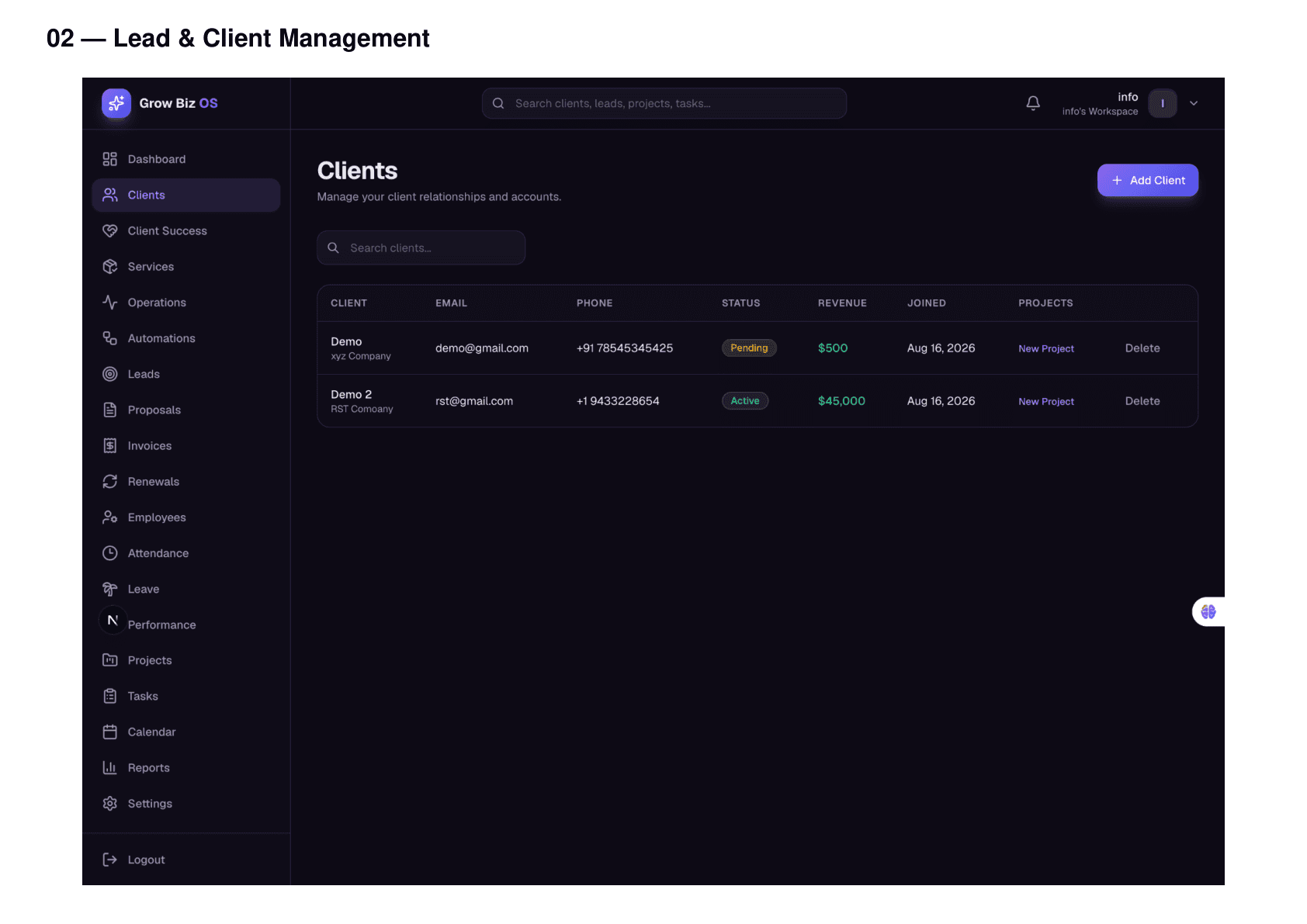
Clients
Coming SoonKnow the Client. Know the Work. Know What Happens Next.
Keep client identity, contacts, projects, files, communication context and commercial status connected in one place.
Business problem
Work slows down when context is split.
Client context gets split between contacts, delivery updates, files and invoices.
How Grow Biz OS solves it
The record stays connected as work moves.
Grow Biz OS gives each client a connected record for contacts, projects, tasks, documents, invoices and activity.
Capabilities
What this feature helps your team manage.
Client directory scope
Client 360 context
Contacts and stakeholders
Linked projects and work
Connected with Grow Biz OS
This module is stronger because it is not isolated.
See how Grow Biz OS connects your work.
FAQ
Common questions.
Is this available for self-service signup?
Request early access or book a demo so the current product state can be matched to your workflow.
Does this replace specialist tools?
Grow Biz OS focuses on connected business operations and visibility across core work.
How do modules connect?
Records carry context forward: lead to client, client to project, project to tasks, finance and reporting.