Skip to content

Grow Biz OS

One Connected System forHOW YOUR BUSINESSACTUALLY WORKS.

Grow Biz OS organizes CRM & Sales, Clients, Projects & Tasks, Team, Finance, Files and Reports around a single, shared business context.
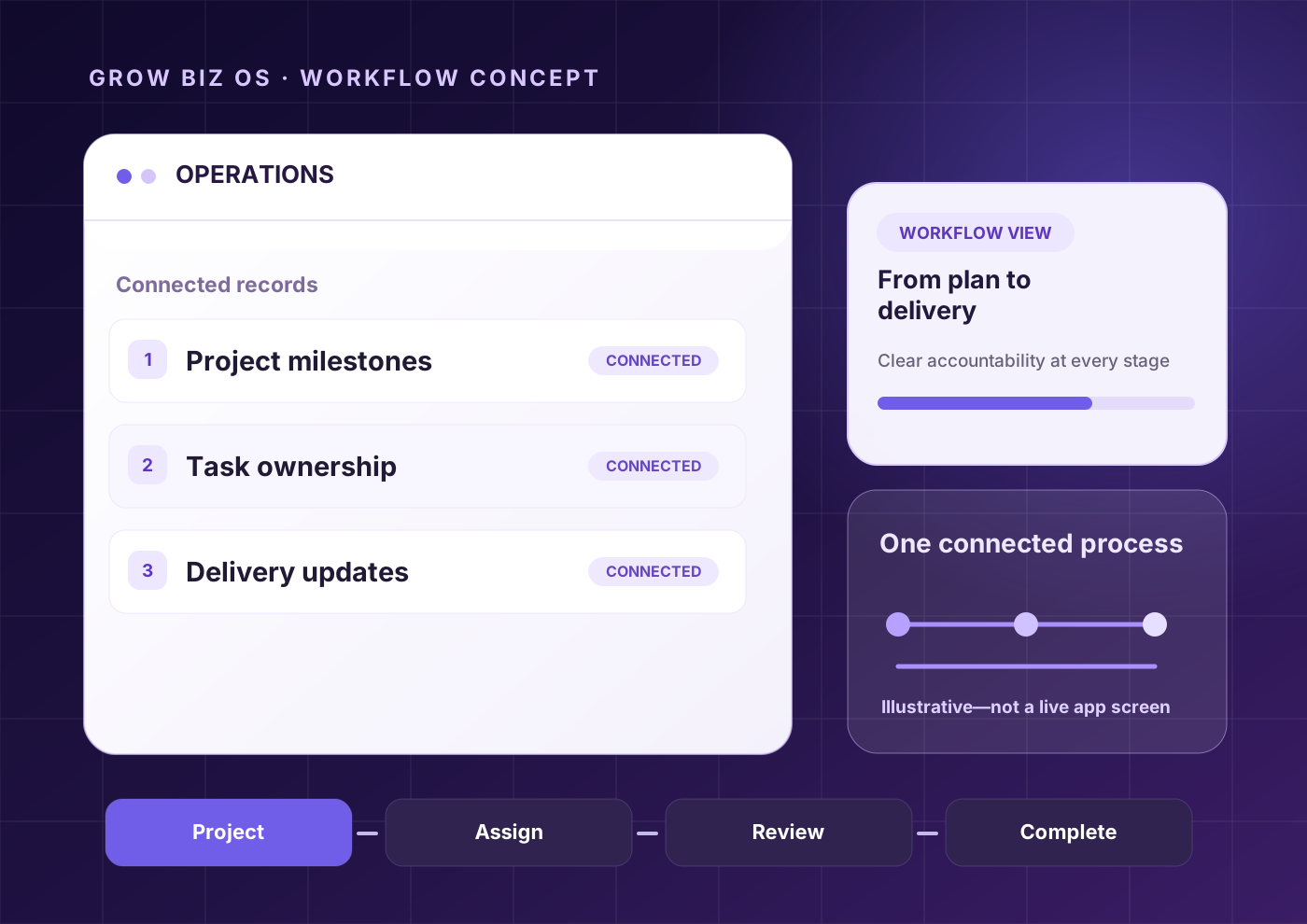
Illustrative Grow Biz OS connected operations workflow, not a live app screenshot
Illustrative workflow concept · not a live app screenshot
CRM & SALESCLIENTSPROJECTS & TASKSTEAM / HR LITEFINANCE VISIBILITYFILES & DOCUMENTSREPORTS & ANALYTICS

Explore the OS

Your business, one connected view.

Choose a workflow to explore a Grow Biz OS interface preview. Features and access depend on release verification.

Take the product tour

01 / Capture & convert

Keep every opportunity moving.

From the first enquiry to the next follow-up, see the context your team needs to move conversations forward.
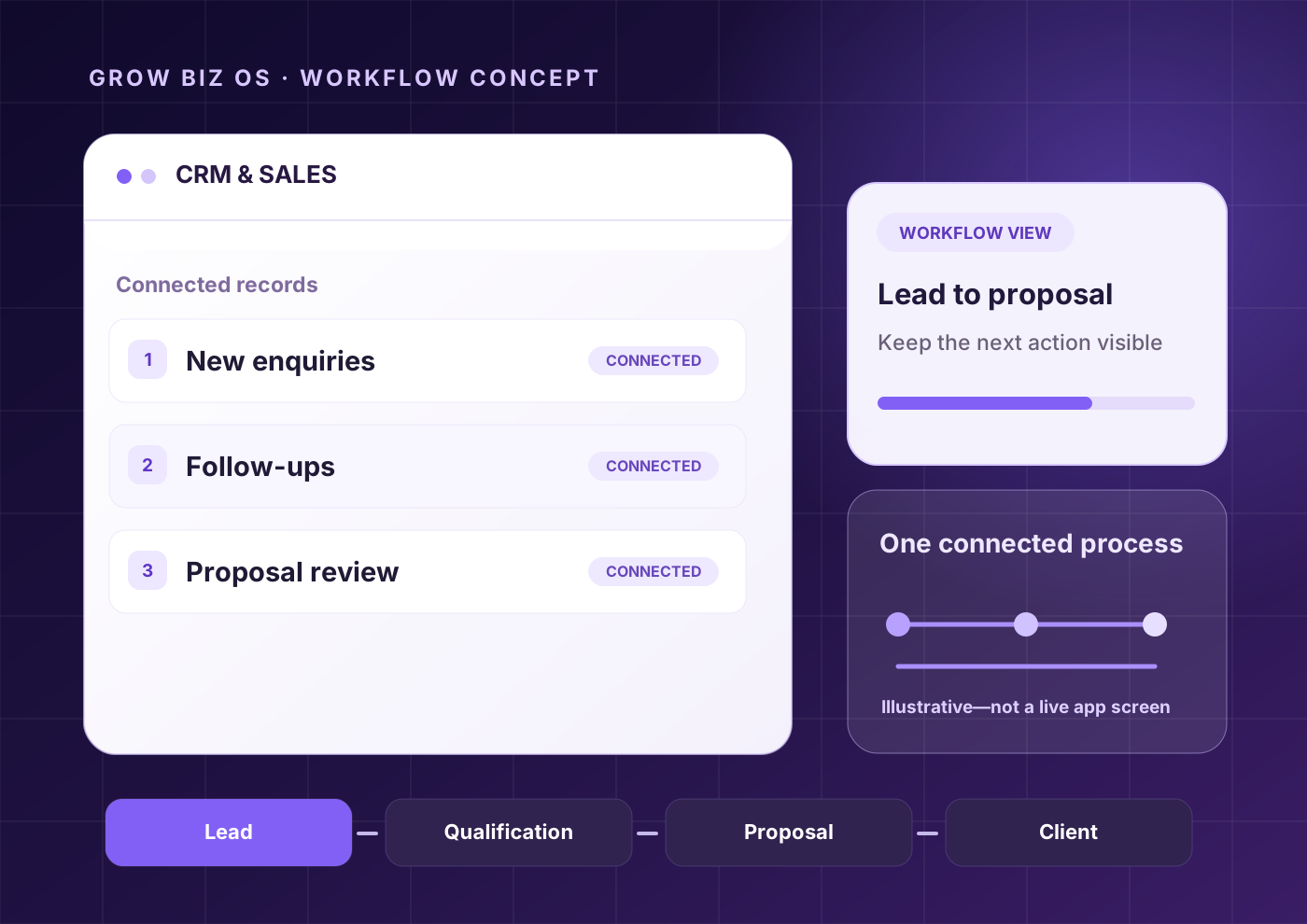
  • Capture enquiries
  • Assign ownership
  • Track next actions
Explore this feature
Grow Biz OS / Sales EngineWorkflow concept
Illustrative sales-pipeline workflow concept, not a live app screenshot
Illustrative workflow graphic • not a live app screenshot

Product Features

Everything your business needs. Connected.

One operating system for clients, operations, projects, people, automation, and business intelligence.

01One Connected Workspace01 / 04
Illustrative connected workspace graphic, not a live app screenshot
01

One Connected Workspace

Bring your entire business into one connected workspace. Keep clients, projects, sales, operations, people and business performance connected in one place.

Illustrative connected workspace graphic, not a live app screenshot
02

Lead & Client Management

Manage every client relationship from first contact to ongoing delivery. Keep client information, revenue, projects and relationship status in one place.
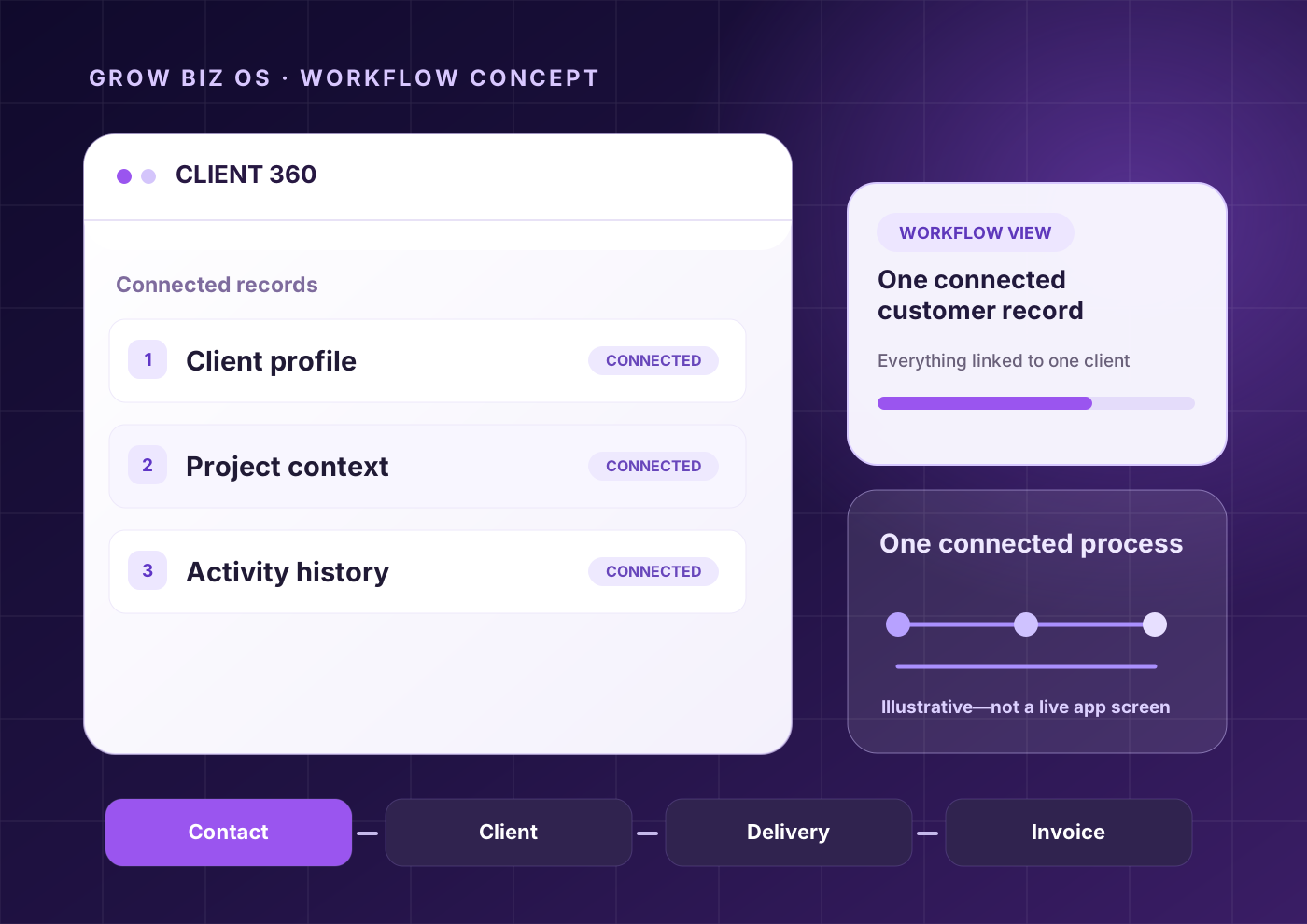
Illustrative client management workflow graphic, not a live app screenshot
03

Intelligent Automation

Turn repetitive work into connected workflows. Automate tasks, conditions, actions and follow-ups so your team can focus on higher-value work.
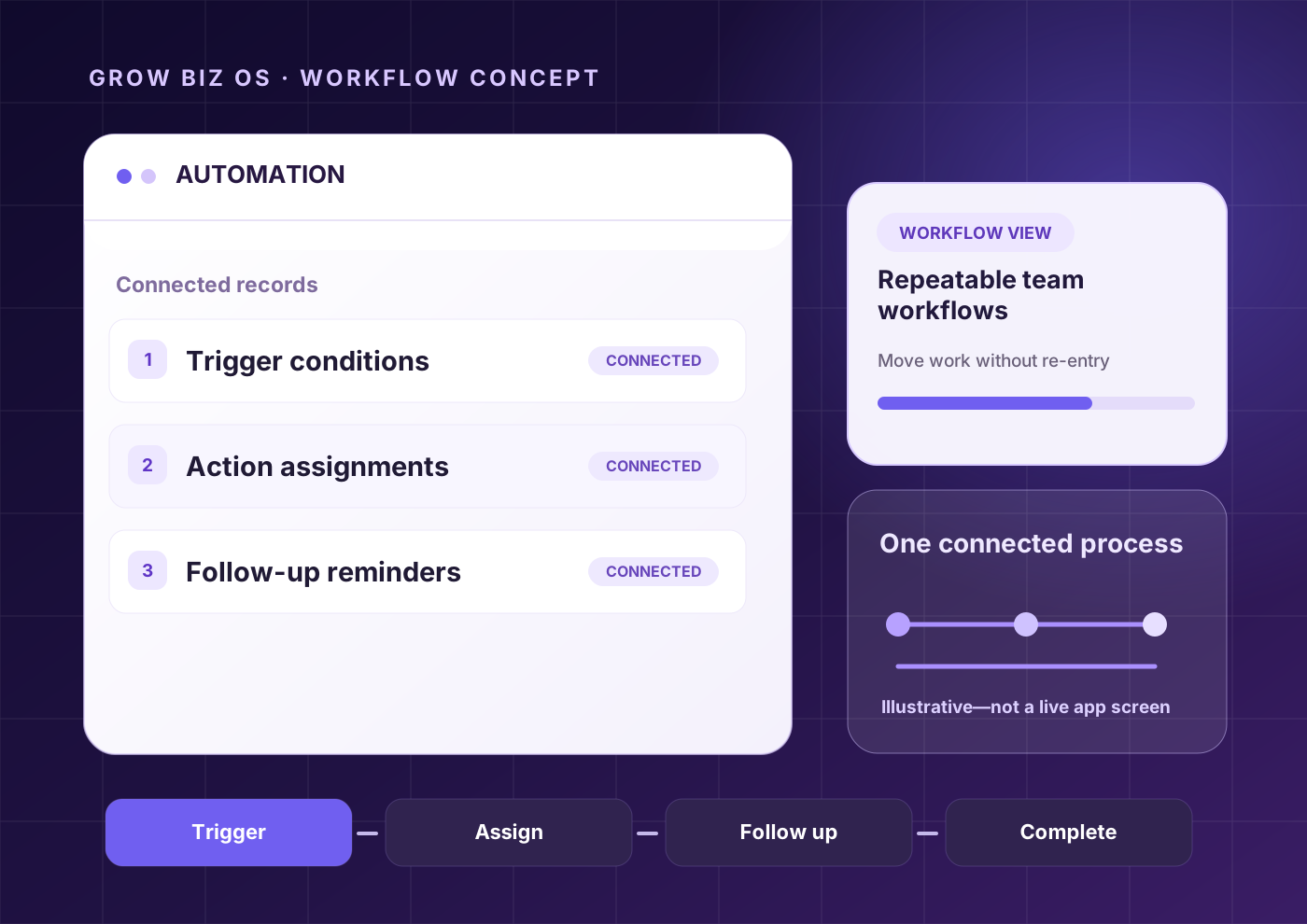
Illustrative automation workflow graphic, not a live app screenshot
04

Reporting & Insights

Review connected business signals across sales, delivery and workload in one reporting view. Availability depends on feature verification.
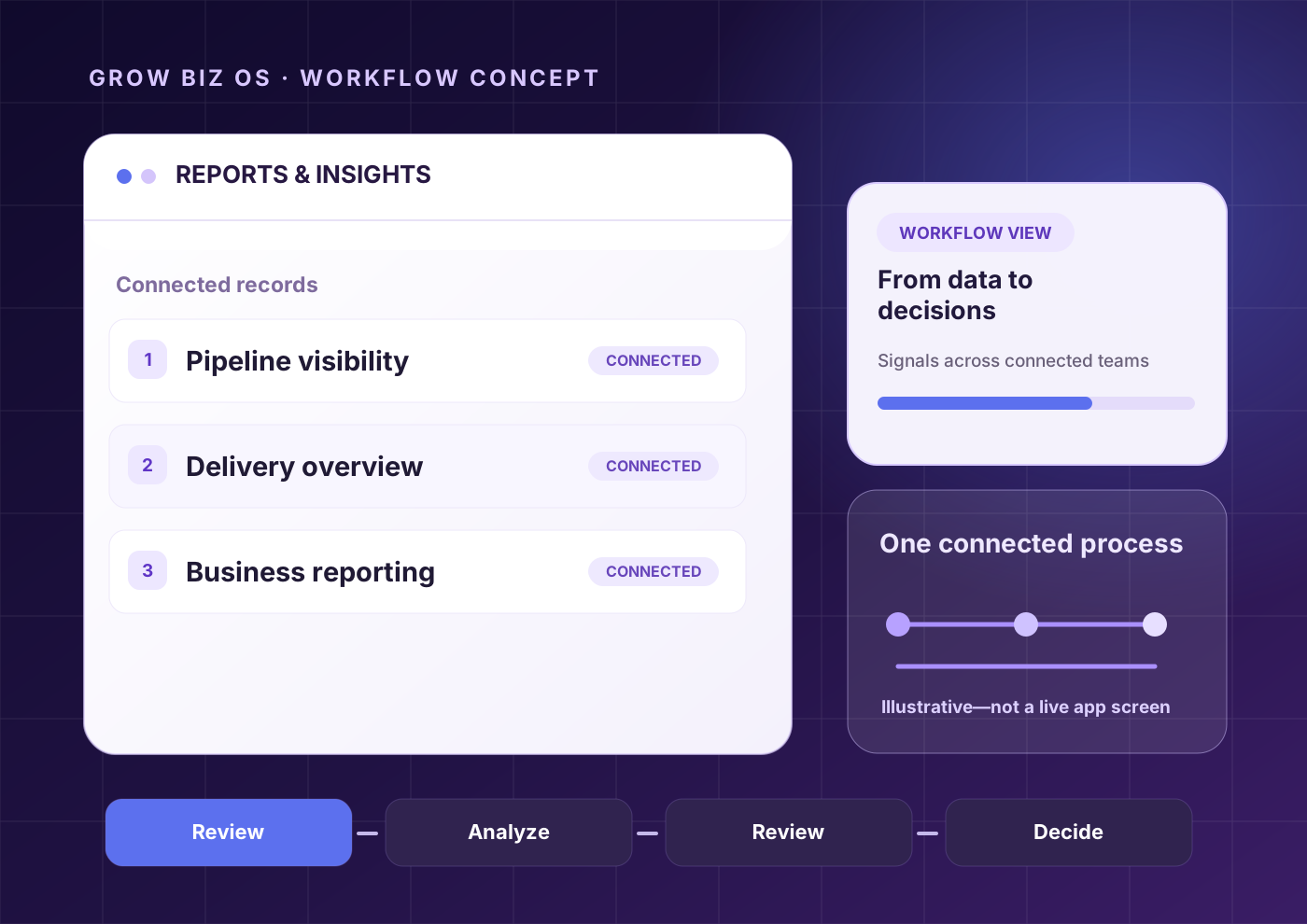
Illustrative reporting workflow graphic, not a live app screenshot
01

One Connected Workspace

Bring your entire business into one connected workspace. Keep clients, projects, sales, operations, people and business performance connected in one place.

Illustrative connected workspace graphic, not a live app screenshot
Illustrative client management workflow graphic, not a live app screenshot
Illustrative automation workflow graphic, not a live app screenshot
Illustrative reporting workflow graphic, not a live app screenshot

Swipe to explore →

Connected Modules

One shared business context. Every module connects to the same record.

Grow Biz OSShared Business Context
CRM & Sales

Capture demand and track next actions.

Clients

Maintain the complete business relationship.

Projects & Tasks

Turn commitments into visible delivery work.

Team / HR Lite

Understand responsibility and workload.

Finance Visibility

Show commercial status around the work.

Files & Documents

Keep documents beside business context.

Reports & Analytics

Understand what is moving and what needs attention.

Connected Workflow

Follow the path from enquiry to visibility. Context stays connected at every step.

01Lead

Qualify + assign owner

Clear next action
02Client

Show connected client

Client 360 context
03Project

Show delivery workspace

Project ownership
04Task

Show assigned work

Clear execution
05Delivery

Review / approve

Delivered milestone
06Finance Visibility

Show invoice/payment status

Payment visibility
07Report

Summarize performance

Management visibility
Client 360
Demo WorkspaceSample Client
StatusActive
Projects2 active
PaymentSample
NextThursday
OverviewProjectsActivityInvoices
Meeting completedProposal approvedProject startedInvoice sent

Client 360

Everything About a Client. One Screen.

Stop hunting across tools for the full client picture. Grow Biz OS keeps identity, activity, delivery and commercial context together in a single connected record.

  • Client identity, activity and delivery in one view
  • Related projects, invoices and files linked automatically
  • Next actions and follow-ups surfaced from context
  • Commercial status visible without switching screens
  • Shared with team without exporting or repeating
  • Keeps ownership clear across handoffs

CRM & Sales

From First Enquiry to Next Action.

Track every lead, qualify demand and keep the next action visible without leaving the client record.

  • Lead and source scope
  • Pipeline stages
  • Owner and next action
  • Activity context
CRMPipeline
Lead
SampleNext action
Qualified
SampleNext action
Proposal
SampleNext action
Won
SampleNext action
ProjectsDelivery Workspace
To Do
Sample taskDue date
In Progress
Sample taskDue date
Review
Sample taskDue date
Done
Sample taskDue date

Projects & Delivery

Turn Client Commitments Into Visible Delivery.

Move from approved work to owned delivery. See progress, milestones and handoffs in one workspace.

  • Project overview scope
  • Owner and manager context
  • Status and health
  • Due date and milestones

Finance Visibility

See Commercial Status Around the Work.

Connect invoices, payments and outstanding amounts to the projects and clients they belong to.

  • Invoice and payment status scope
  • Pending and overdue visibility
  • Client-linked commercial context
  • Project-linked commercial context
FinanceCommercial Status
Invoice #001Paid
Invoice #002Pending
Invoice #003Overdue

Dashboard & Reporting

See What Needs Attention. Management visibility without manual reports.

Dashboard
Illustrative Grow Biz OS connected operations workflow, not a live app screenshot
Illustrative workflow concept · not a live app screenshot

How Context Moves

One qualified lead becomes a client record. The useful context moves with it.

Manual Handoff

CRM lead
nameSample Lead
companySample Client
sourceWebsite
ownerSample Owner
nextActionDiscovery Call

These fields are usually retyped into a client sheet, project brief and follow-up list.

With Grow Biz OS

lead.companyclient.companySample Client
lead.ownerclient.accountOwnerSample Owner
lead.nextActionclient.nextMeetingKickoff
lead.sourceclient.activityWebsite enquiry

When the opportunity is approved, Grow Biz OS creates the Client 360 record and carries source, owner and next-step context forward.

Trust & Verification

Built for clarity, not hype.

Feature statuses, platform availability and commercial terms are verified before publication. No unverified claims. No fabricated screenshots. Just the current product state, clearly stated.

FAQ

Questions about the product.

Grow Biz OS is presented as a connected business operating system for CRM & Sales, Clients, Projects & Tasks, Team / HR Lite, Finance Visibility, Files & Documents and Reports & Analytics.